
Advertiser Onboarding Form
Tell us about your brand, budget and creative so we can set up your account, reserve screens in the clubs you want, and get your campaign live. Everything below can also be completed on paper — download the PDF version if you'd rather print it or route it internally. New to CourtSpark advertising? Start with a Local, Regional or National marketing kit.
Advertiser marketing kits
- Local Marketing KitView PDFDownloadCustomize online
- Regional Marketing KitView PDFDownloadCustomize online
- National Marketing KitView PDFDownloadCustomize online
Confidential. CourtSpark Media Inc. will not share or sell the information you provide here, except as needed to deliver your campaign or as required by law.
Creative specifications
CourtSpark court and social-area displays use a fixed four-zone layout. Deliver artwork at the exact pixel dimensions below (or an exact 2× multiple) in RGB / sRGB.
| Placement | Pixel size | Aspect | Typical use |
|---|---|---|---|
| Main feature panel | 1600 × 900 | 16:9 landscape | Hero image or video spot |
| Side rail | 295 × 900 | ~1:3 portrait | Vertical brand panel, logo lockup |
| Bottom banner | 1600 × 155 | ~10:1 wide strip | Ticker message, offer line |
| Corner tile | 295 × 155 | ~1.9:1 block | Logo badge, sponsor mark |
Screen zone layout — hover a zone to preview a sample ad
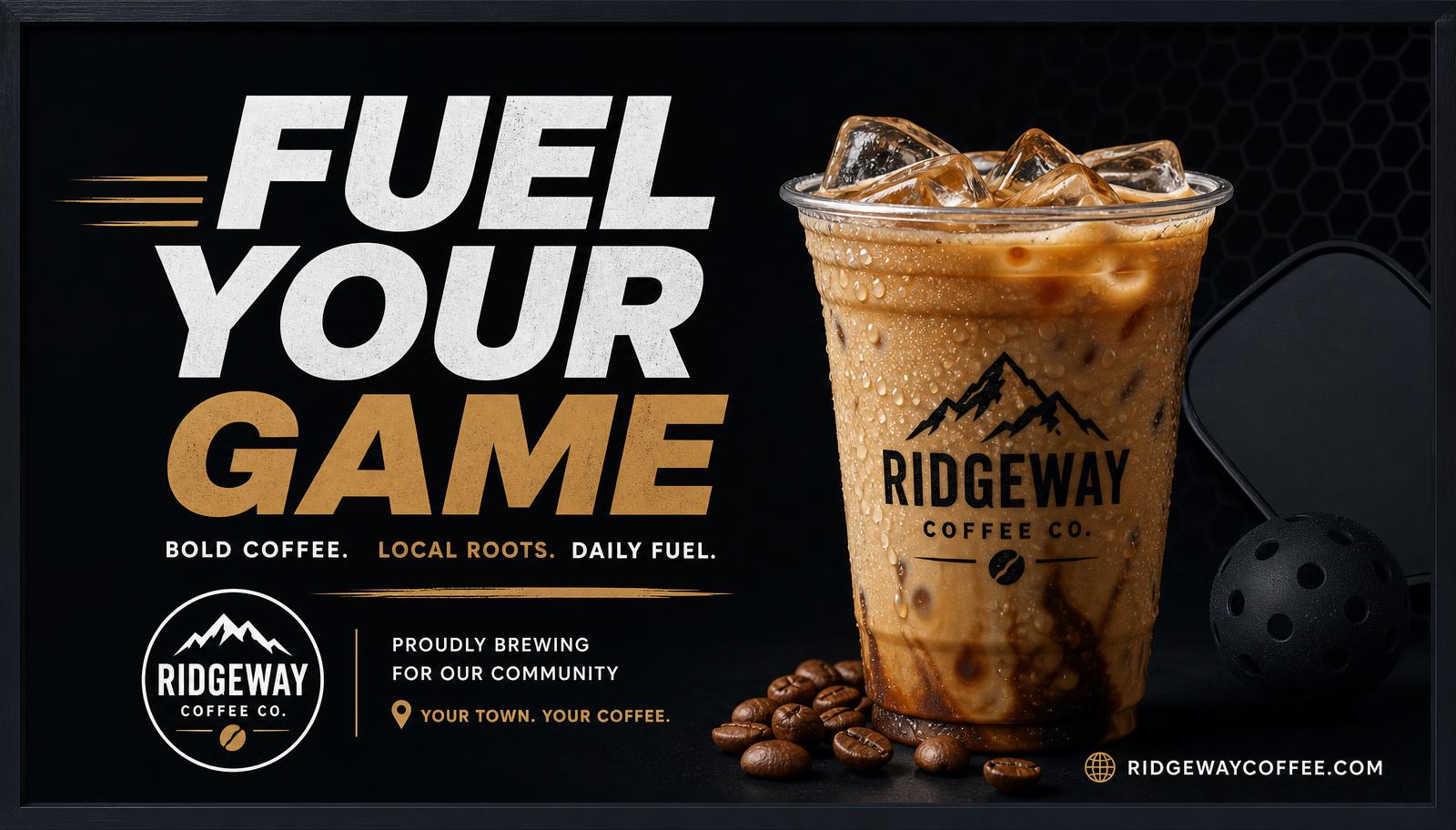
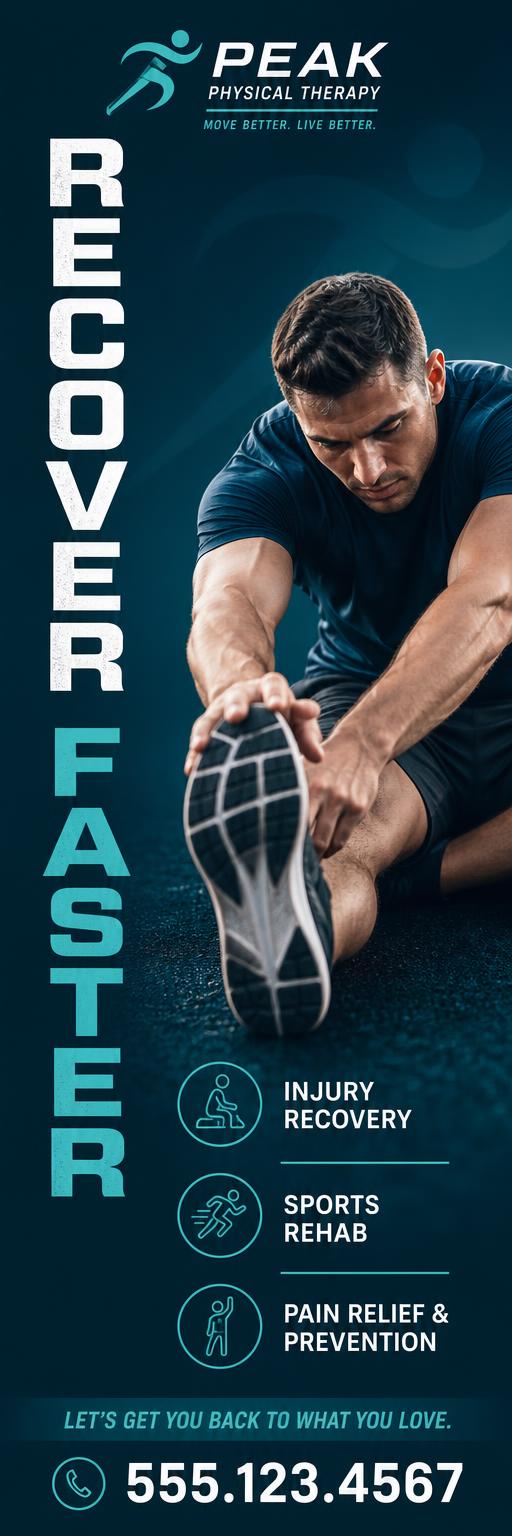
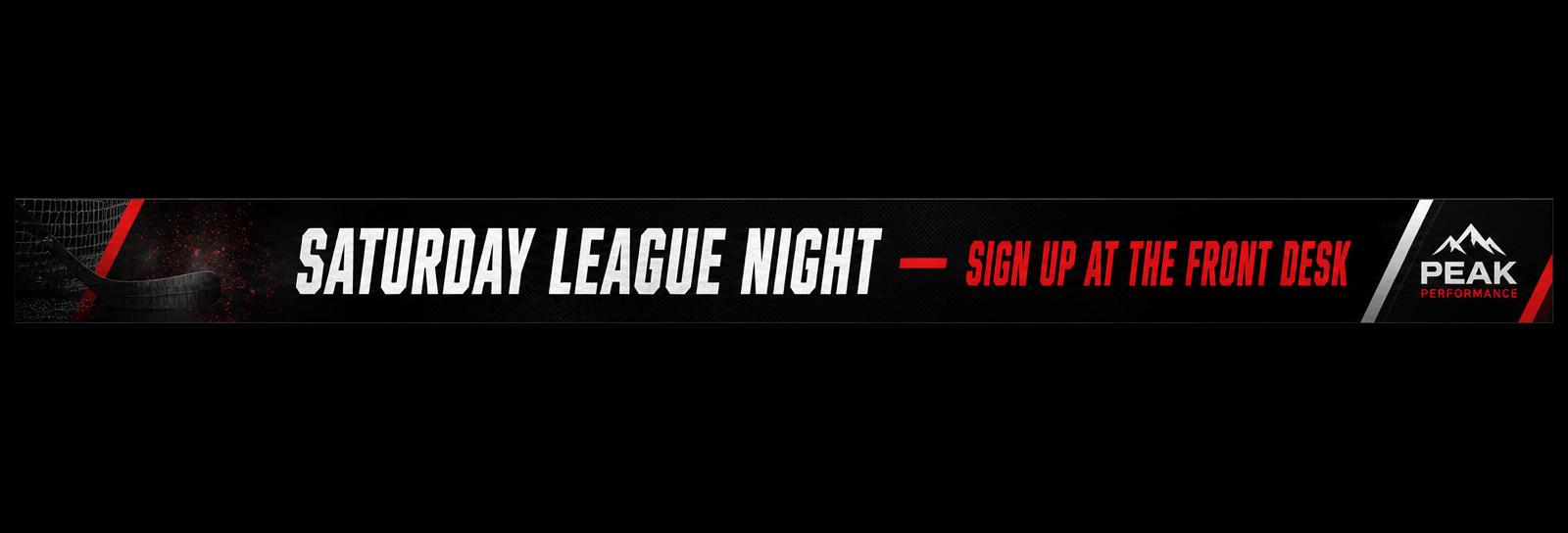
Image best practices
- PNG for logos, flat colour and text; high-quality JPG for photography.
- RGB / sRGB only — CMYK files will not display correctly.
- Build at the exact pixel size, or exactly 2× so we can downscale. Never upscale small art.
- Keep static files under 5 MB each.
- Safe area: keep logos and text at least 5% in from every edge (~80 px on a 1600-wide asset).
- Minimum 36 px cap height on 1600 × 900, 24 px on the 1600 × 155 banner — screens are read from 20–60 ft.
- Strong contrast; avoid thin light type over bright photography.
- One idea per asset: a logo, one headline, one call to action.
- Flatten transparency — export on a solid background.
Video best practices
- MP4 or MOV, H.264. No proprietary or DRM-protected files.
- 1600 × 900 for the main panel; matching pixel size for any other animated zone.
- 30 fps preferred (24 or 60 accepted). Constant frame rate only.
- 8–12 Mbps bitrate; keep files under 50 MB.
- 10–15 seconds is ideal; 30 seconds maximum.
- Screens play muted — never rely on audio; add on-screen text instead.
- Hold your logo and call to action for at least 2 seconds at the end.
- Avoid rapid flashing or strobing; smooth motion reads best at distance.
- Design loop-friendly so the last frame cuts cleanly back to the first.
Content policy: no adult content, tobacco or vaping, firearms, gambling where prohibited, political attack advertising, or content disparaging a club, its members or CourtSpark partners. Alcohol and CBD creative may run only where local regulations and the host club allow it. CourtSpark may decline or request changes to any creative.